
Scania Complete Pack: Multi + SDP3 + XCOM + SD2
210,00 $
Tax included.
Pay with PayPal or with a debit / credit card. The card option appears at checkout.
Technical details
- Brand: Scania;
- Format: Offline version;
- Type: Diagnostic Software;
- Operating system: Windows 10/11 x64;
- Instructions: Remote installation by our technician;
- Installation: Remote, via TeamViewer / AnyDesk.
Scania Complete Pack: Multi + SDP3 + XCOM + SD2 is the full Scania toolset for specialist workshops: parts and manuals (Multi), current diagnostics (SDP3), advanced control unit work (XCOM) and SD2 for older Scania generations, installed and configured together offline.
What it does
A specialist Scania workshop sees every generation, from older 3 and 4 series vehicles to current NTG trucks. SD2 covers the older generations that SDP3 no longer supports. SDP3 covers current vehicles, XCOM adds control unit backups and configuration, and Multi provides parts and repair information for all of them.
Our technician installs the whole set in one session and checks that each program works with your interface. Everything works offline; functions that require the Scania online server are not included.
Main features
- Multi — parts catalog and workshop manuals.
- SDP3 — current Scania diagnostics.
- XCOM — control unit backups and configuration.
- SD2 — older Scania generations.
- One installation — all tools configured together.
- Trucks, buses, engines — full coverage.
Coverage
Scania vehicles from older generations supported by SD2 to current models supported by SDP3, plus parts and information for all of them in Multi.
Typical jobs
- Diagnosing an older Scania 4 series with SD2.
- Backing up control units before repairs.
- Full workshop coverage for every Scania generation.
System requirements
Windows 10 or 11, 64-bit, 8 GB RAM. Scania VCI3 for SDP3/XCOM; the appropriate interface for SD2.
Delivery
Remote installation on your Windows laptop by our technician via TeamViewer or AnyDesk, including adapter drivers and a connection test. Offline version, no time limit, one PC. How delivery works.
Related Scania software and catalogs
- Scania SDP3 2.73 Diagnostic Software for Trucks & Buses
- Scania SDP3 2.73 for Industrial & Marine Engines
- Scania SDP3 2.73 + XCOM 2.54 Workshop Package
- Scania Multi 2026 Spare Parts & Service Manuals – Online & Offline
Frequently asked questions
What is SD2?
The Scania diagnostic program for older generations.
Does it include online programming?
No, the set works offline.
Is everything installed together?
Yes, in one remote session.
Which interfaces are needed?
VCI3 for SDP3/XCOM and a suitable interface for SD2; we advise you before installation.
You may also like
-
 Scania
 SDP3 2.73 Diagnostic Software for Trucks & Buses
95,00 $ Add to basket -
Sale!
 Cummins
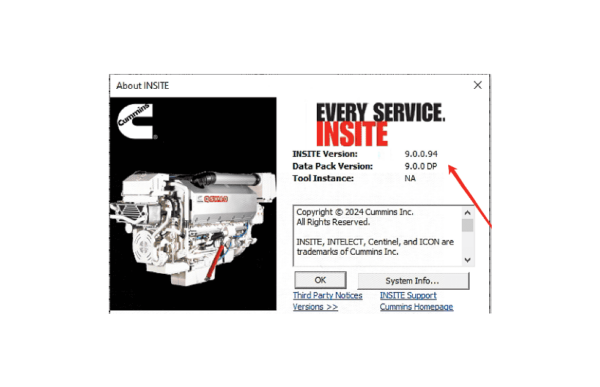
 INSITE PRO 9.1–10.0
Original price was: 250,00 $.150,00 $Current price is: 150,00 $. Add to basket -
 Perkins
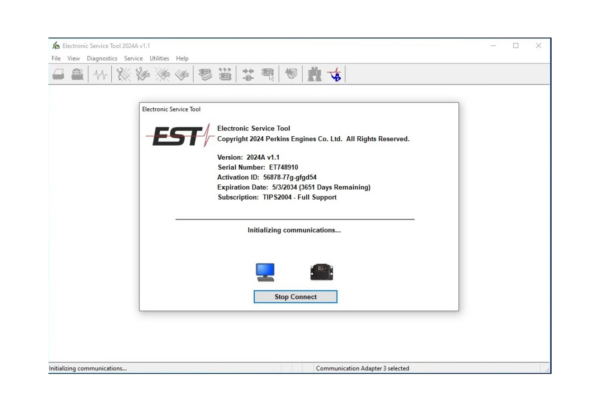
 EST 2026B Electronic Service Tool
85,00 $ Add to basket -
Sale!
 Noregon
 JPRO Professional 2026
Original price was: 120,00 $.85,00 $Current price is: 85,00 $. Add to basket

Reviews
There are no reviews yet.