
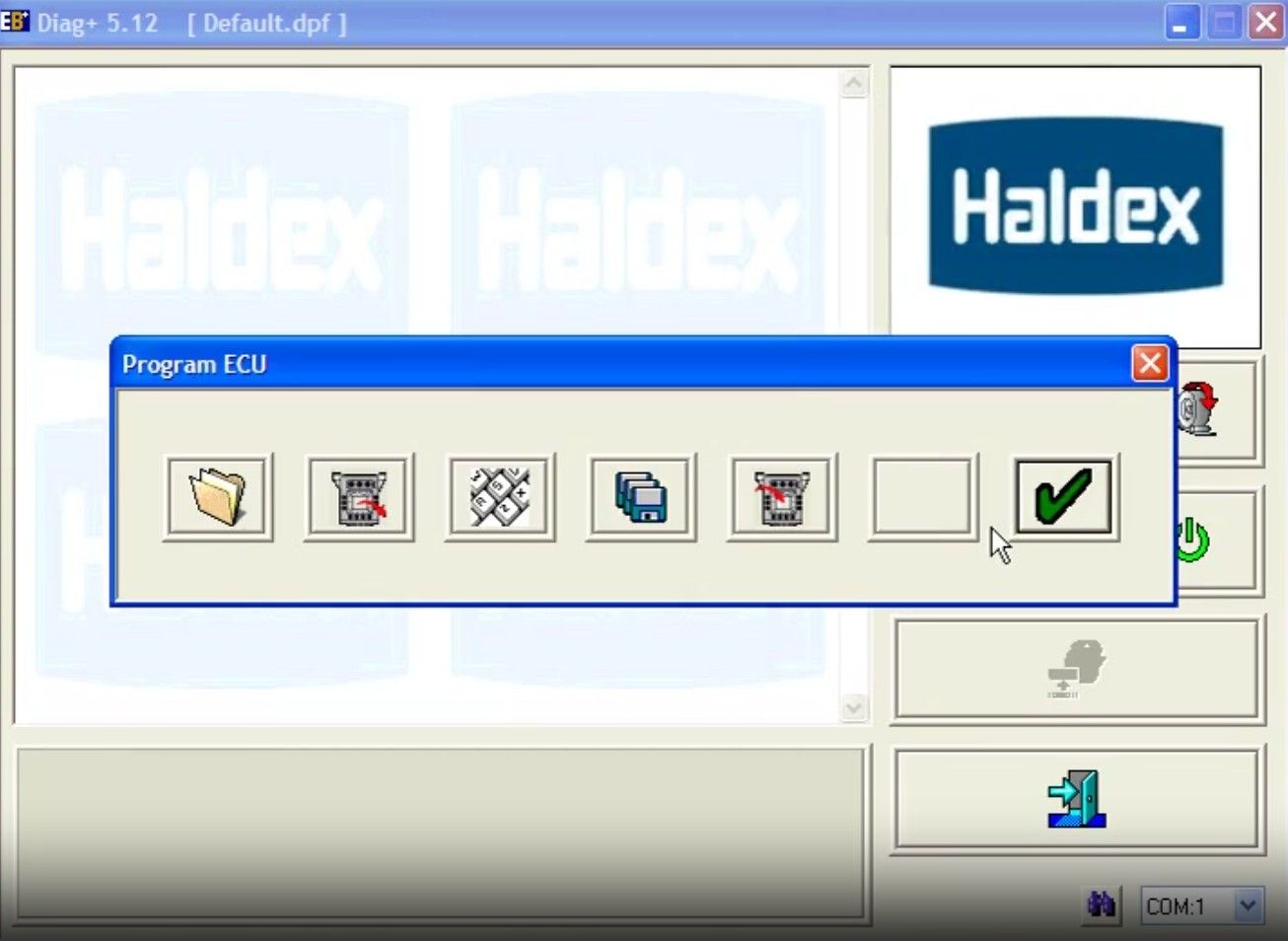
Haldex DIAG+ Trailer Brake Diagnostics
50,00 $
Tax included.
Pay with PayPal or with a debit / credit card. The card option appears at checkout.
Which adapter do I need? See the adapter table
Technical details
- Brand: Haldex;
- Format: Offline version;
- Type: Diagnostic Software;
- Operating system: Windows 10/11 x64;
- Adapter: Haldex USB PC interface;
- Instructions: Remote installation by our technician;
- Installation: Remote, via TeamViewer / AnyDesk.
Haldex DIAG+ Trailer Brake Diagnostics reads faults, checks components and configures Haldex trailer brake modules (ABS and EB+), offline on your laptop.
What it does
Haldex trailer brake systems control ABS and electronic braking on many trailers. DIAG+ connects to the module, reads fault codes, shows live data and runs component tests.
Configuration and end-of-line tests are available for supported modules after installation or replacement.
Typical jobs are finding the cause of a trailer ABS warning lamp, testing modulator valves and wheel speed sensors, and setting up a module after installation. DIAG+ shows wheel speeds, pressures and the state of each output, and records the end-of-line test result for the trailer file.
For trailer manufacturers and workshops this is the standard way to commission a Haldex system and to prove it works.
Main features
- Fault codes — ABS and EB+.
- Component tests — valves and sensors.
- Configuration — supported modules.
- End-of-line test — after installation.
- Live data — speeds and pressures.
- Haldex interface — diagnostic interface.
Coverage
Haldex trailer ABS and EB+ (Gen 1, Gen 2 and Gen 3) electronic braking systems supported by DIAG+.
Typical jobs
- Diagnosing a trailer ABS warning.
- Testing a modulator.
- Configuring a new module.
System requirements
Windows 10 or 11. Haldex diagnostic interface.
Delivery
Remote installation on your Windows laptop by our technician via TeamViewer or AnyDesk, including adapter drivers and a connection test. Offline version, no time limit, one PC. How delivery works.
Related Haldex software and catalogs
Frequently asked questions
Which Haldex systems are supported?
Haldex trailer ABS and EB+ Gen 1, Gen 2 and Gen 3 where supported by DIAG+.
Can I run an end-of-line test?
Yes, and save the result.
What is the difference from TRS DIAG+ Internal?
The Internal edition has extended functions for workshops that service many trailers.

Reviews
There are no reviews yet.