
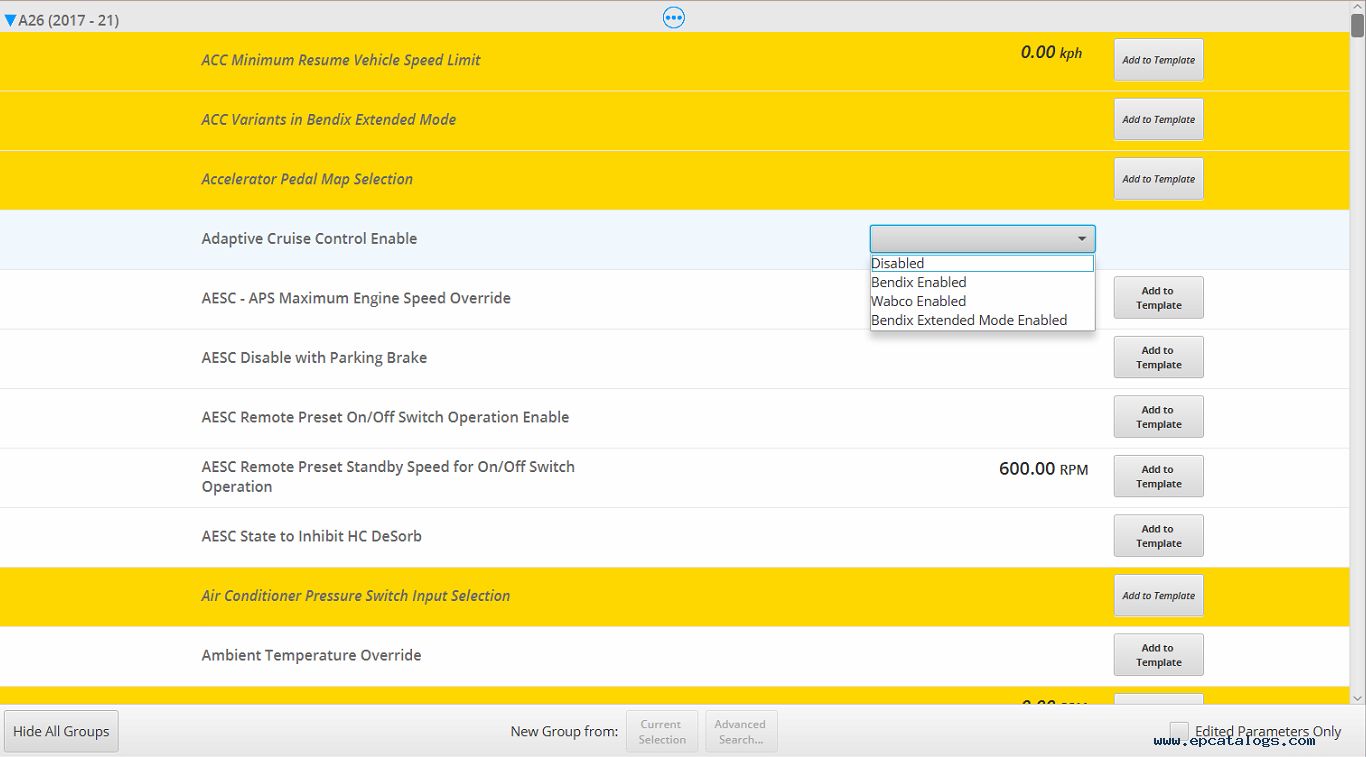
Navistar Service Diagnostics Solutions PRO (SDS) 2026
85,00 $
Tax included.
Pay with PayPal or with a debit / credit card. The card option appears at checkout.
Technical details
- Brand: Navistar;
- Format: Offline version;
- Type: Diagnostic Software;
- Operating system: Windows 10/11 x64;
- Instructions: Remote installation by our technician;
- Installation: Remote, via TeamViewer / AnyDesk.
Navistar Service Diagnostics Solutions PRO (SDS) 2026 is the current Navistar diagnostic platform for International trucks. It covers engines, aftertreatment and vehicle systems with fault codes, live data, tests and service routines, installed offline on your laptop.
What it does
International trucks combine Navistar engines (N9, N10, N13, A26 and earlier MaxxForce) or Cummins engines with Navistar body controllers and aftertreatment. SDS connects to the vehicle and shows codes from all supported modules together, which is essential because many complaints involve more than one system.
Live data screens show engine, aftertreatment and vehicle parameters in gauges and graphs. Service routines include parked regeneration, DEF dosing tests, cylinder cutout and other engine and aftertreatment tests. Session data can be saved for later review.
SDS replaces several older Navistar tools in one program, so technicians learn one interface for most current International trucks.
Main features
- Fault codes — engine, aftertreatment and vehicle modules.
- Live data — gauges, lists and graphs.
- Aftertreatment routines — parked regeneration, DEF tests.
- Engine tests — cylinder cutout and more.
- Vehicle information — module data and configuration.
- Session recording — save and review data.
Coverage
International trucks such as LT, RH, HV, MV, HX and LoneStar, with Navistar N9, N10, N13 and A26 engines and supported MaxxForce engines, in the 2026 data.
Typical jobs
- Parked regeneration on an International LT.
- Diagnosing a DEF system fault.
- Finding the cause of low power on an A26.
- Checking all modules during a pre-purchase inspection.
System requirements
Windows 10 or 11, 64-bit, 8 GB RAM. RP1210 adapter required.
Delivery
Remote installation on your Windows laptop by our technician via TeamViewer or AnyDesk, including adapter drivers and a connection test. Offline version, no time limit, one PC. How delivery works.
Related Navistar software and catalogs
- Navistar Engine Diagnostics (NED) 2025
- International Diamond Logic Builder (DLB) 2026
- International Master Diagnostics (Legacy)
Frequently asked questions
Which trucks does SDS support?
Current International trucks and Navistar engines in the 2026 data.
Can I do a parked regeneration?
Yes.
Which adapter is needed?
An RP1210 adapter.
Does it replace NED?
For many jobs yes; NED is focused on engines and is useful for older platforms.


Reviews
There are no reviews yet.